How to Fix Stalled Production in Corsair Cove
Start at the visible symptom and change the first failed link.
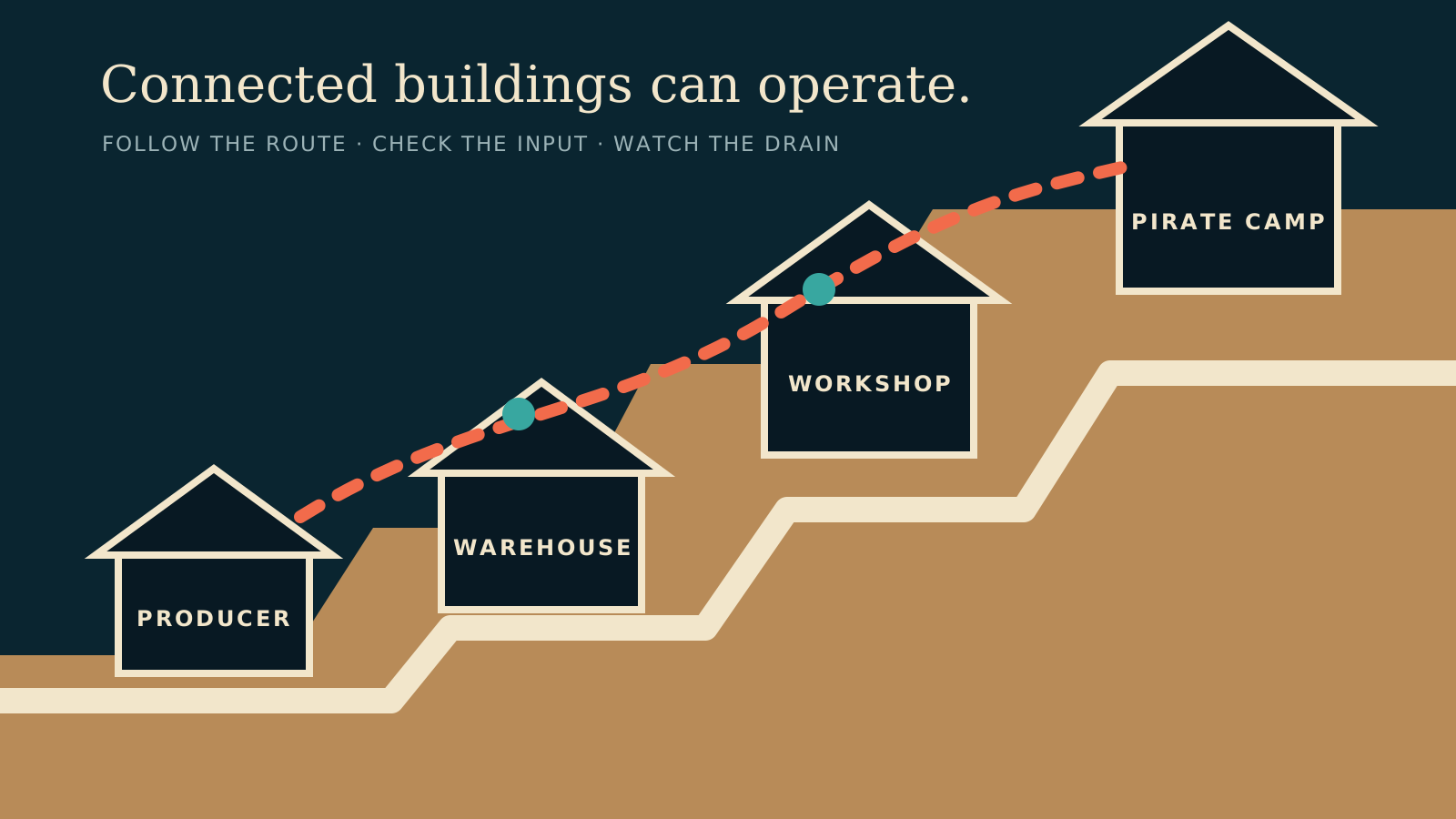
Table of contents
Work through this list in order. Stop when you find the first failed condition.
1. Is the building connected?
Construction and operation require a live connection to the haven. Check the final path, bridge, cliff path, ladder, or later connector.
2. Is it fully staffed?
Production buildings do not operate with partial staff. Pause a lower-priority job if the island has too few Drifters.
3. Is input storage empty?
Open the input and emphasize its Fetcher link. If the Fetcher is waiting at an idle source, move one step upstream.
4. Is output storage full?
Assign a consumer or Warehouse to fetch the product. A full output blocks another production cycle.
5. Is the route inefficient?
Read the route color and travel distance. A closer producer can improve the chain without adding more long routes.
6. Does drain exceed production?
Confirm the current links are efficient before duplicating the producer. Then use the planner to compare demand with the available base rate.
Related guides
Corsair Cove Drain & Production Bottlenecks
Read production, drain, storage, staffing, and route signals before adding another building.
Read guideCorsair Cove Fetchers & Transport Routes
Assign one-way Fetcher links, read route colors, and keep input storage supplied.
Read guideCorsair Cove Production Chain Planner
Expand a finished good into upstream buildings, inputs, and rate-aware requirements.
Read guide