
Corsair Cove Fetchers & Transport Routes
Connect the producer, consumer, and warehouse without losing the route on the cliff.
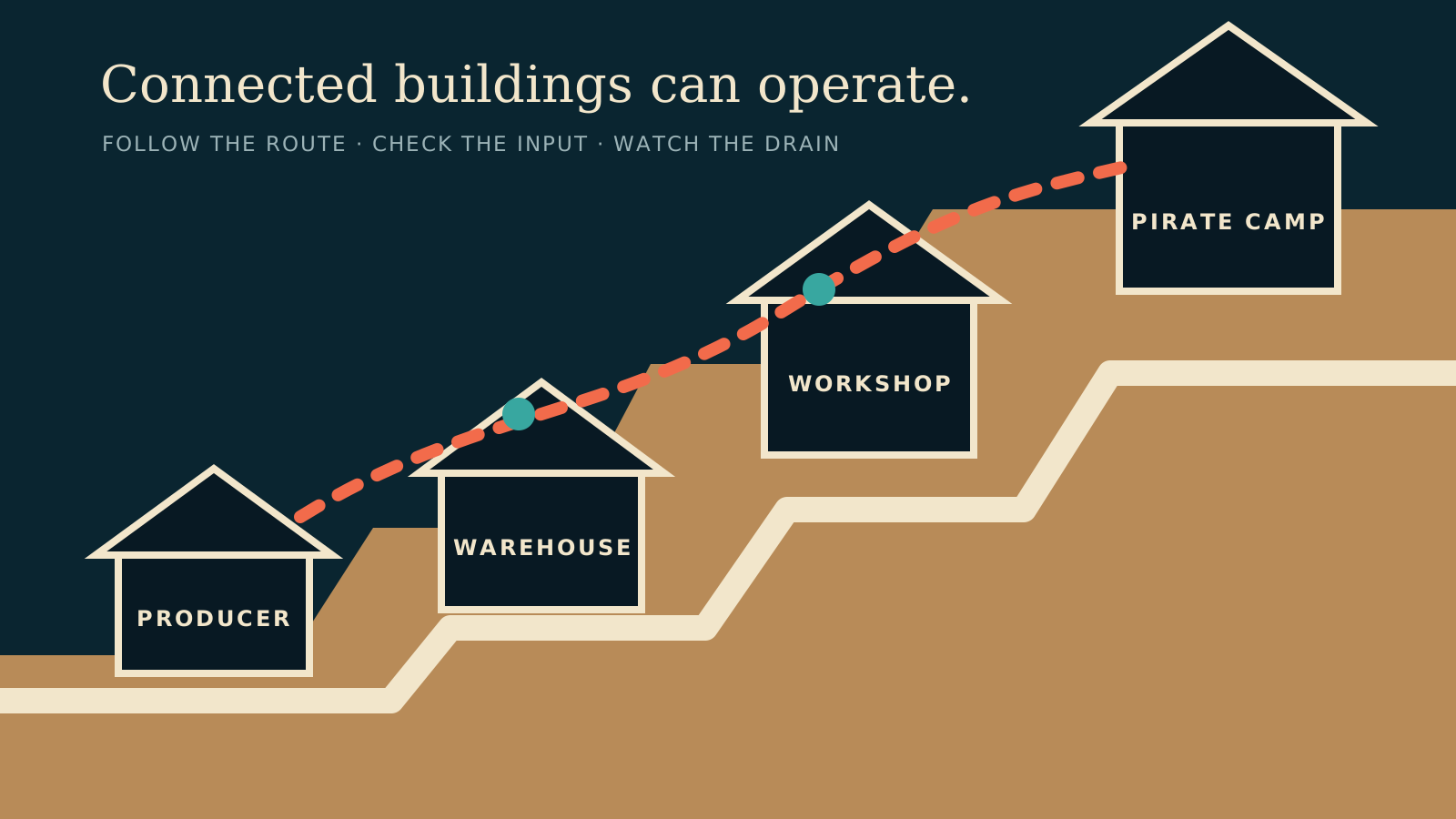
Table of contents
Fetchers move a resource from one building to another in one direction. Each route needs its own assigned Fetcher.
Assign the link
- Open the consuming building.
- Select the input resource in its input storage.
- Select the resource icon over the producer.
- Confirm that the new link reaches the intended producer.
Warehouses use manually created routes when you want them to collect a particular resource. Other links may be assigned automatically, but they still consume Fetcher capacity.
Read the route color
Green, yellow, and red lines indicate high, medium, and low route efficiency in the default colors. Select the link icon to emphasize one route before changing a connection.
When a Fetcher waits
A red hourglass at the link can mean the producer has stopped too. Follow the chain upstream before adding another Fetcher. The bottleneck guide separates an empty input from weak transport, full output storage, or missing staff.
Related guides
Corsair Cove Drain & Production Bottlenecks
Read production, drain, storage, staffing, and route signals before adding another building.
Read guideHow to Fix Stalled Production in Corsair Cove
Diagnose connections, workers, Fetchers, inputs, storage, drain, and route efficiency in order.
Read guideCorsair Cove Pirate Camp Expansion Checklist
Check reach, connections, staff, housing, upkeep, pier ownership, and transport before opening a camp.
Read guide