Corsair Cove First Expedition Guide
Use the event recommendation, then confirm the pier camp can sustain the Crew.
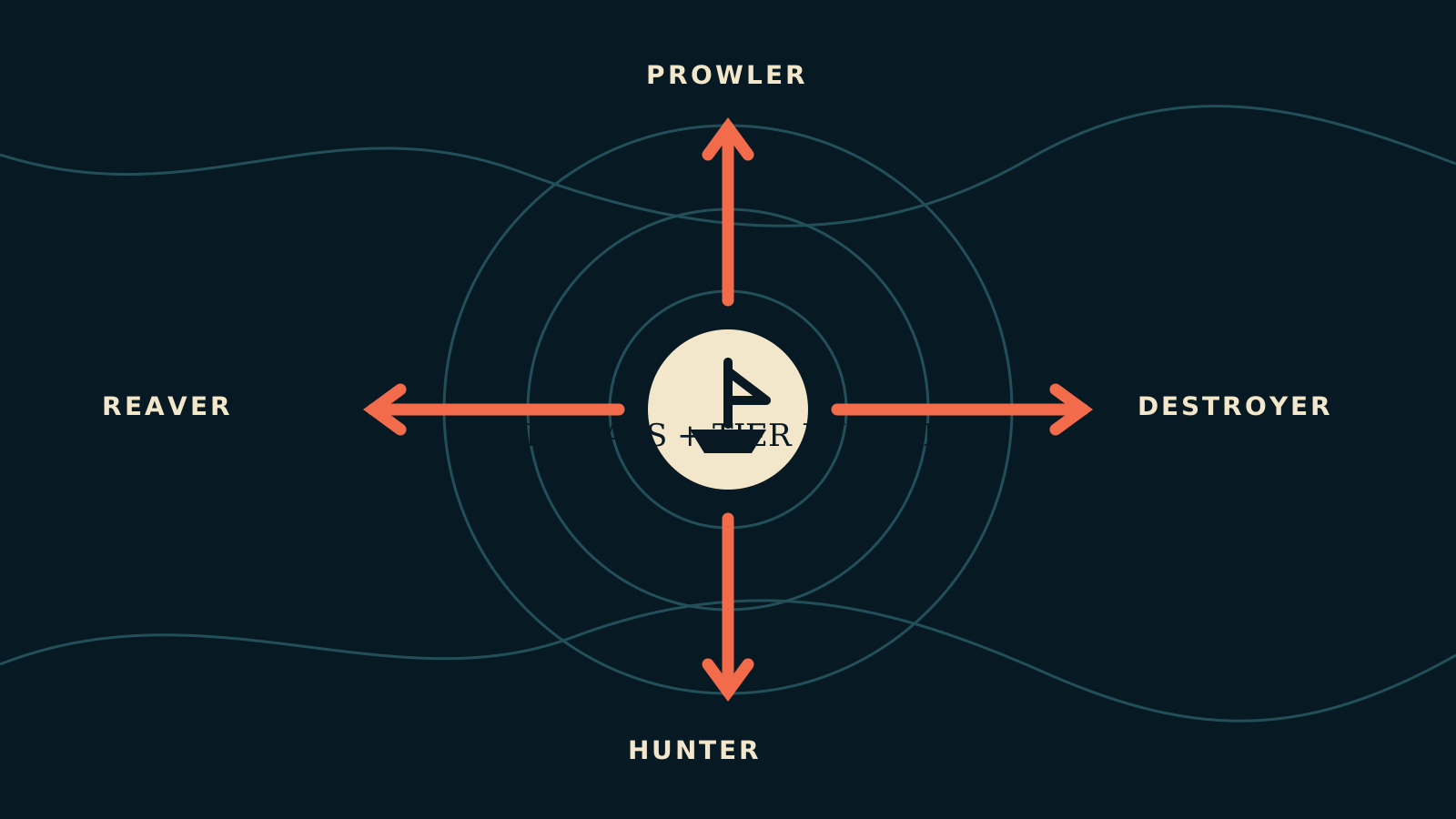
Table of contents
Prepare the ship and the pier camp before assigning the event.
1. Read the recommendation
Check the class and tier shown by the event. Use the ship role matcher to find hulls that satisfy those fields.
2. Build at the correct pier
The Landlubber and early ships use a Shallow Pier. Higher hulls require the Trade or Deep-Water Pier and a longer construction-resource chain.
3. Hire supported Crew
Use only Crew types listed for the hull. Then check every upkeep good in Ship crews.
4. Supply the assigned camp
Crew consume from the Pirate Camp assigned to the pier. Confirm the local community buildings and their production links before sailing.
5. Embark once
Only one ship can be assigned to an event at a time. The ship travels in real time; the simulation pauses when the event decision or objectives open.
This sequence prepares the baseline. It does not promise a win or replace the choices and dice inside the event.
Related guides
Corsair Cove Ships Database
Search all 29 ships by tier, Principle, class, Crew types, construction cost, and pier.
Read guideCorsair Cove Ship Role Matcher
Filter ships by official class, Principle, tier, Crew, and event recommendation.
Read guideCorsair Cove Seven Seas Regions
Explore the named regions, discovery rings, fog behavior, and event flow without a copied map.
Read guide