
Corsair Cove Drain & Production Bottlenecks
Use the visible signal to decide whether the problem is supply, transport, storage, or staff.
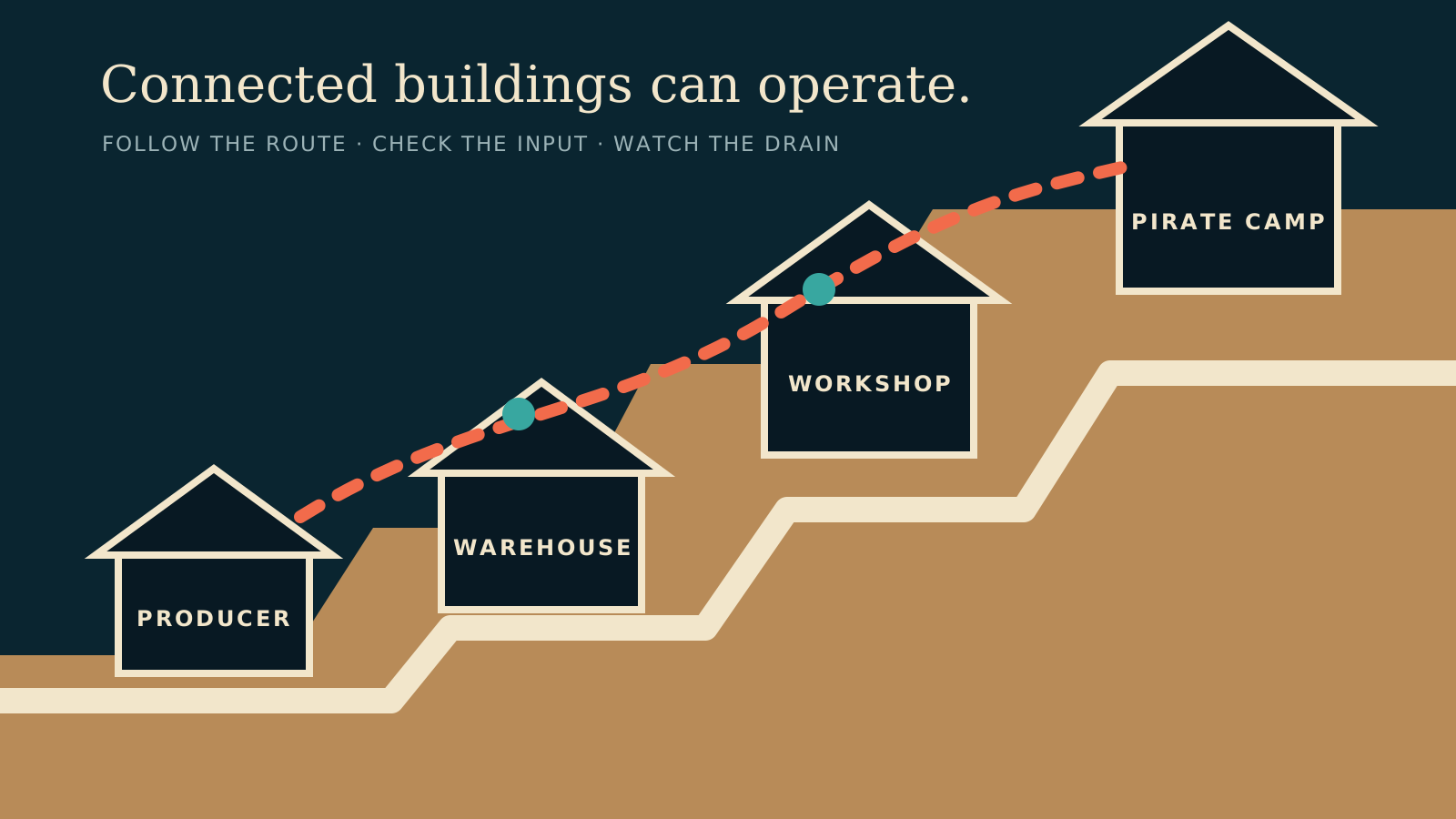
Table of contents
Drain describes how quickly a building's output storage is being consumed or fetched compared with recent production. It is a diagnostic signal, not a universal target.
If input storage is empty
Check the incoming Fetcher link, then inspect the source building. A waiting Fetcher beside an idle source means the problem is farther upstream.
If output storage is full
The building needs room before it can produce again. Confirm that a consumer or Warehouse is fetching the output and that its route remains connected.
If drain exceeds production
First inspect route distance and efficiency. A closer producer may solve more than another distant building. Add a duplicate only after the current route and staffing are working as intended.
If the building is idle with stock
Confirm the building is switched on, fully staffed, inside Pirate Camp reach, and connected to the haven. Production buildings cannot operate with partial staffing.
Use the stalled-production checklist for a step-by-step pass through one broken chain.
Related guides
Corsair Cove Fetchers & Transport Routes
Assign one-way Fetcher links, read route colors, and keep input storage supplied.
Read guideHow to Fix Stalled Production in Corsair Cove
Diagnose connections, workers, Fetchers, inputs, storage, drain, and route efficiency in order.
Read guideCorsair Cove Production Chain Planner
Expand a finished good into upstream buildings, inputs, and rate-aware requirements.
Read guide